


Display Digital Signage: Your Complete Guide for 2026
Modern businesses across South Africa and globally are transforming how they communicate with customers, employees, and visitors through dynamic visual technology. Display digital signage has evolved from simple electronic message boards into sophisticated communication platforms that deliver targeted content, real-time information, and immersive brand experiences. Whether you're outfitting a retail space in Johannesburg, a corporate office in Cape Town, or a pharmaceutical facility in Durban, understanding the fundamentals of digital display technology enables you to make informed decisions that drive engagement and deliver measurable returns on investment.
Understanding Display Digital Signage Technology
Display digital signage encompasses a broad spectrum of technologies, from basic LCD monitors to advanced LED video walls and interactive touchscreen kiosks. At its core, this technology replaces static printed materials with electronic screens capable of displaying motion graphics, video content, real-time data feeds, and interactive applications.
The fundamental components include display hardware (screens), media players or content management systems, connectivity infrastructure (network or cloud-based), and the content itself. Each element must work harmoniously to create effective visual communication.
Screen Technologies and Specifications
LCD panels remain the most common choice for indoor applications, offering excellent image quality, energy efficiency, and cost-effectiveness for standard viewing environments. These displays typically range from 32 inches to 98 inches and feature brightness levels between 300 and 700 nits, suitable for controlled lighting conditions.
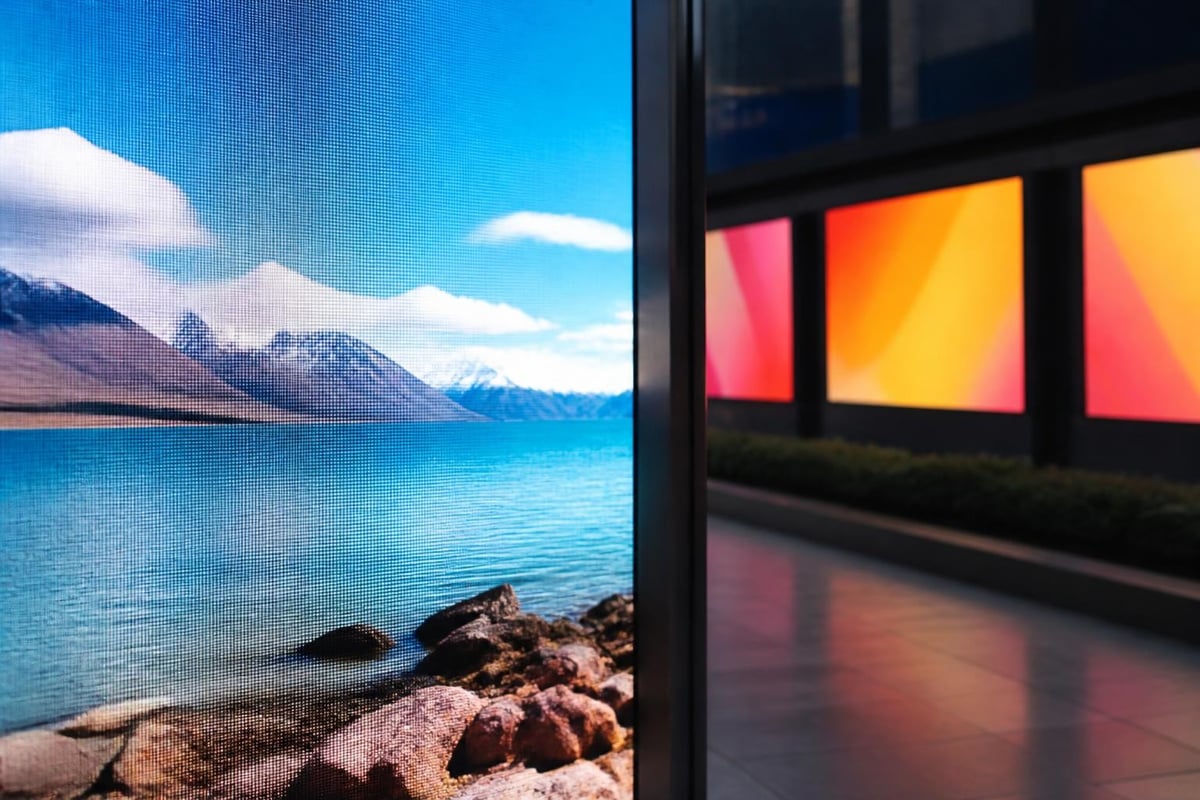
LED displays dominate outdoor installations and large-format applications. The invidis Yearbook 2024 highlights the ongoing transition from LCD to direct-view LED technology, particularly for installations requiring superior brightness, wider viewing angles, and modular scalability. Pixel pitch-the distance between LED clusters-determines image clarity, with finer pitches (P1.8 to P2.5) suited for close viewing and coarser pitches (P6 to P10) appropriate for distance viewing.
When selecting display technology, consider ambient lighting, viewing distance, and content type. The AVIXA standard V202.01 provides scientific guidance on display image size and viewing distance calculations, ensuring your screens deliver readable content at the intended viewing positions.
| Display Type | Brightness (nits) | Ideal Environment | Typical Lifespan | Pixel Pitch Range |
|---|---|---|---|---|
| Indoor LCD | 300-700 | Climate controlled | 50,000-60,000 hours | Fixed panel |
| Outdoor LCD | 1,500-3,000 | Covered, partial sun | 50,000 hours | Fixed panel |
| Indoor LED | 600-1,200 | Ambient lighting | 100,000 hours | P1.2-P3.0 |
| Outdoor LED | 5,000-10,000 | Direct sunlight | 100,000 hours | P4.0-P16.0 |
Signs4SA offers a comprehensive Digital Signage range from P10 to P1.8, providing tailored solutions for both internal and external applications across various industries.
Content Management and Delivery Systems
Display digital signage effectiveness depends equally on the content management system (CMS) controlling what appears on screens and when. Modern CMS platforms enable centralized control of multiple displays across distributed locations, scheduled content playlists, real-time updates, and audience-triggered content delivery.
Choosing the Right Content Platform
Cloud-based systems offer maximum flexibility, allowing content updates from any internet-connected device without on-site hardware infrastructure. These platforms typically operate on subscription models and provide automatic updates, remote diagnostics, and multi-user collaboration features.
On-premise solutions grant complete control over content servers and data security, appealing to organizations with strict IT governance requirements or limited internet connectivity. Hybrid approaches combine local caching with cloud-based management for resilience.
The rise of headless CMS architectures represents a significant evolution in digital signage content management. As detailed in Contentstack's implementation guide, this approach separates content creation from presentation, enabling consistent messaging across digital signage, websites, mobile applications, and other channels through API-driven delivery.
Key CMS features to evaluate:
- Multi-screen synchronization capabilities
- Template-based content creation tools
- Integration with external data sources (weather, social media, business systems)
- User permission levels and approval workflows
- Analytics and proof-of-play reporting
- Emergency override capabilities
Many pharmaceutical and corporate clients require content approval workflows that comply with regulatory standards and brand guidelines. Your CMS should accommodate these processes without creating bottlenecks in content delivery.
Strategic Placement and Installation Considerations
Where you position display digital signage determines its impact and return on investment. Strategic placement considers foot traffic patterns, sightlines, ambient lighting conditions, and the viewer's context when encountering the display.
Environmental and Technical Requirements
Retail environments benefit from displays positioned at decision points-near entrances, at queue lines, in product aisles, and at checkout counters. Each location serves distinct communication objectives, from brand storytelling to promotional messaging to transactional information.
Corporate settings utilize digital signage in reception areas, meeting rooms, cafeterias, and along circulation routes. Content typically focuses on internal communications, wayfinding, visitor information, and corporate culture reinforcement.
Power supply planning represents a critical yet often overlooked aspect of installation. Each display requires reliable electrical service, with consideration for cable management, surge protection, and backup power systems for mission-critical applications.
Network connectivity options include:
- Wired Ethernet – Most reliable, highest bandwidth, lowest latency
- Wi-Fi connectivity – Flexible placement, potential reliability concerns
- Cellular data – Independent of building networks, ongoing data costs
- Offline operation – Content stored locally, scheduled updates via USB

The U.S. Access Board's ADA Standards for Signs provides technical guidance on accessible signage placement, including considerations for variable message displays. Whilst these are American standards, they offer valuable best-practice insights for ensuring your digital signage remains accessible to all users, including those with visual or cognitive impairments.
Content Strategy and Design Principles
Effective display digital signage begins with purposeful content strategy. Unlike traditional media, digital displays enable dynamic messaging that responds to time of day, audience demographics, external triggers, and business objectives.
Message Hierarchy and Timing
The average viewer attention span for digital signage ranges from 2 to 10 seconds depending on context. Content must communicate key messages within this window whilst remaining visually engaging enough to capture attention in busy environments.
Design principles for maximum impact:
- Contrast ratios of at least 4.5:1 between text and background colours
- Font sizes calculated based on viewing distance (minimum 1 inch per 10 feet of distance)
- Motion graphics to attract attention, but not so dynamic they become distracting
- Consistent branding across all content to reinforce recognition
- Clear calls-to-action when viewer response is desired
Content rotation strategies balance message variety with repetition frequency. Research suggests 10-15 second slides with playlists rotating every 3-5 minutes maintain viewer interest without causing annoyance through excessive repetition. For detailed insights on effective digital display content, explore perspectives on digital signage display approaches.
| Content Type | Ideal Duration | Best Use Cases | Update Frequency |
|---|---|---|---|
| Promotional offers | 10-15 seconds | Retail, QSR | Daily/weekly |
| Brand messaging | 15-20 seconds | Corporate, retail | Weekly/monthly |
| Wayfinding | Static/triggered | All environments | As needed |
| Real-time data | Continuous | Transport, corporate | Live feeds |
| Emergency alerts | Override | All environments | Immediate |
Accessibility and Compliance
Making display digital signage accessible extends your message reach and demonstrates organizational commitment to inclusion. The U.S. Department of Justice's ADA resources on web and mobile app accessibility apply principles equally relevant to digital signage content design.
Consider providing:
- Sufficient colour contrast for visually impaired viewers
- Text alternatives for image-based content
- Readable font sizes from standard viewing distances
- Audio descriptions for content in appropriate contexts
- Non-flashing graphics for photosensitive individuals
Technical Standards and Interoperability
Professional display digital signage installations benefit from adherence to industry standards that ensure compatibility, longevity, and serviceability. The Video Electronics Standards Association establishes technical specifications for display mounting, interface protocols, and performance benchmarks.
Mounting and Installation Standards
VESA mounting patterns provide standardized hole spacing on display backs, enabling universal compatibility with mounting hardware. Common patterns include 200x200mm, 400x400mm, and 600x400mm, with the dimensions indicating horizontal and vertical hole spacing in millimetres.
Weight ratings, tilt mechanisms, and serviceability access must align with display specifications and installation environments. Outdoor installations require weatherproof enclosures rated to appropriate IP (Ingress Protection) standards-typically IP65 or higher for direct weather exposure.
Display orientation affects both visual impact and technical requirements. Portrait orientation suits menu boards, wayfinding directories, and full-body advertising content, whilst landscape orientation better accommodates widescreen video content and scrolling information displays.
Measuring Performance and Return on Investment
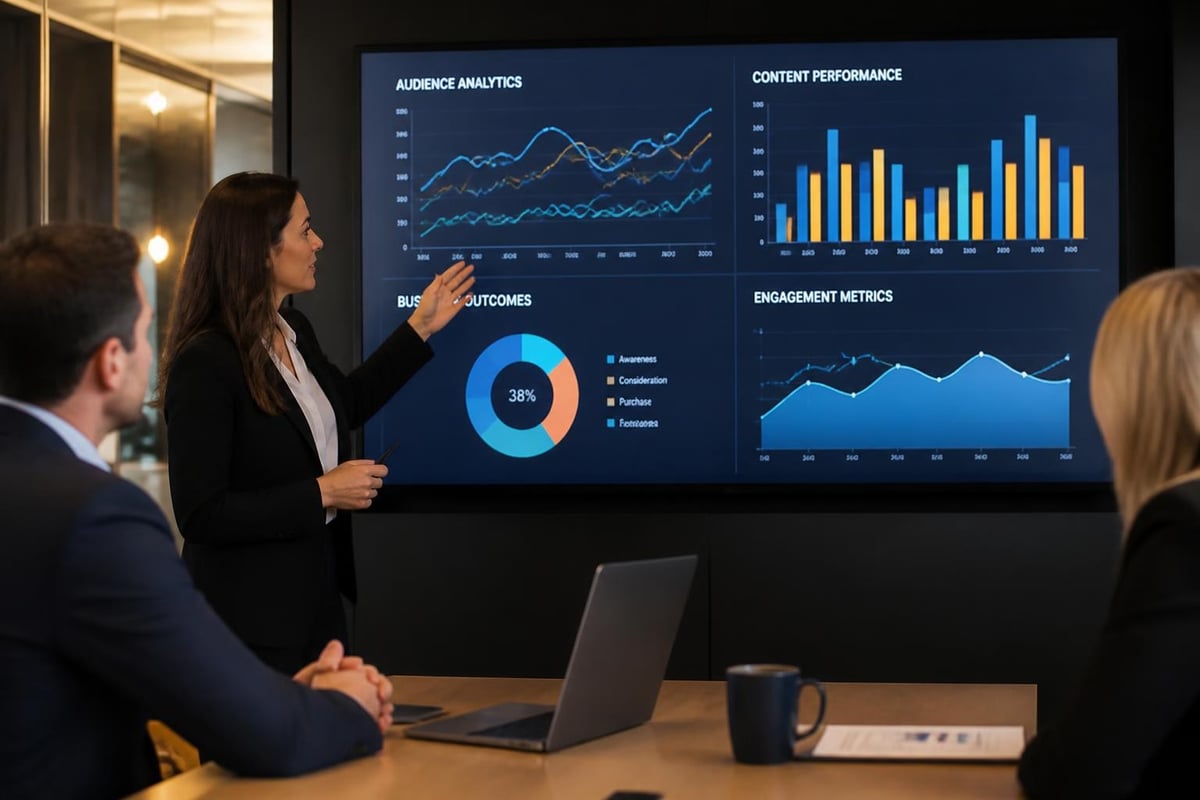
Display digital signage investments demand measurable outcomes. Modern analytics platforms track viewer engagement, content performance, and business impact through various methodologies.
Analytics and Measurement Approaches
Proof-of-play reporting confirms content displayed as scheduled, essential for advertising networks and compliance documentation. These logs timestamp every content item shown on each display, creating accountability and enabling billing verification.
Audience measurement technologies employ cameras or sensors to detect viewers, measure dwell time, estimate demographics, and track gaze direction. Privacy-compliant implementations aggregate data without storing personally identifiable images.
Business outcome metrics connect signage exposure to tangible results:
- Foot traffic changes in targeted areas
- Product sales lift during promotional campaigns
- Queue time reduction through informational content
- Employee engagement survey improvements
- Visitor satisfaction scores
- Call-to-action response rates
Establishing baseline measurements before deployment enables accurate impact assessment. A/B testing different content approaches reveals what messaging, design, and timing combinations drive optimal results for your specific audience and objectives.
For businesses evaluating signage investments, understanding the broader cost implications and value considerations helps frame digital solutions within overall communication strategies.
Integration with Business Systems
Modern display digital signage transcends standalone communication to become integrated components of broader business technology ecosystems. API connections enable displays to pull real-time information from multiple sources, creating dynamic, contextually relevant messaging.
Common Integration Scenarios
Point-of-sale systems feed current promotions, inventory availability, and pricing information directly to displays, ensuring messaging accuracy and reducing manual content updates. Retail environments leverage these integrations to maintain price consistency across physical signage and digital displays.
Calendar and booking systems power meeting room displays showing current occupancy, upcoming reservations, and real-time availability, streamlining workspace management in corporate environments.
Social media feeds curate user-generated content, reviews, and brand mentions for display on customer-facing screens, building community engagement and social proof. Moderation systems filter content before display to maintain brand standards.
Emergency notification systems integrate with building management platforms to override standard content during critical situations, displaying evacuation instructions, shelter-in-place directions, or severe weather alerts.
The ITU's technical overview of digital signage provides international perspective on system architectures and integration standards shaping professional signage deployments globally.
Industry-Specific Applications
Display digital signage serves distinct purposes across various sectors, with content, placement, and technical requirements varying significantly by industry context.
Retail and Consumer Environments
Retailers deploy digital signage to influence purchase decisions, communicate value propositions, and enhance shopping experiences. Interactive displays enable product configuration, virtual try-on experiences, and detailed specification access beyond what static packaging provides.
Queue management displays reduce perceived wait times through entertaining content whilst communicating service options and promotional offers to captive audiences. Digital menu boards in food service environments enable dayparting strategies that promote breakfast items in morning hours and dinner options later in the day.
Corporate and Office Settings
Internal communications benefit from strategically placed displays delivering company news, recognition programmes, performance dashboards, and cultural content. Meeting room displays streamline space booking whilst providing quick access to presentation materials and video conferencing controls.
Visitor management systems integrate with reception area displays to welcome guests, provide wayfinding assistance, and reinforce brand messaging from the moment visitors enter facilities.
Healthcare and Pharmaceutical Industries
Regulatory compliance requirements shape digital signage in pharmaceutical manufacturing and healthcare environments. Content must often meet documentation standards, with audit trails tracking what information displayed and when.
Patient education displays in waiting areas reduce perceived wait times whilst delivering health information, preventive care messaging, and facility navigation assistance. Staff-facing displays communicate protocol updates, safety reminders, and operational metrics in real-time.
The pharmaceutical sector benefits from displays that support quality management systems, showing standard operating procedures, current batch information, and safety protocols directly at workstations and production lines.
For insights on applying effective signage strategies across diverse business contexts, explore comprehensive signage solutions for various industries.
Maintenance and Lifecycle Management
Sustaining display digital signage performance requires proactive maintenance, monitoring, and eventual hardware refresh strategies. Professional-grade displays typically achieve 50,000 to 100,000 operating hours before brightness degradation or component failure necessitates replacement.
Preventive Maintenance Protocols
Regular cleaning schedules prevent dust accumulation that impairs cooling systems and degrades image quality. Indoor displays require quarterly cleaning of screens and ventilation ports, whilst outdoor installations demand monthly inspection and cleaning to address environmental exposure.
Software updates patch security vulnerabilities, add features, and maintain compatibility with evolving content formats and network protocols. Scheduling updates during low-traffic periods minimizes service disruptions.
Remote monitoring systems track display status, operating temperatures, and performance metrics, enabling proactive intervention before failures impact operations. Alert systems notify technical teams of offline displays, overheating conditions, or content delivery failures.
Component replacement strategies should account for:
- Media player refresh cycles (typically 3-5 years)
- Display panel replacement (5-7 years depending on usage intensity)
- Mounting hardware inspection and replacement as needed
- Network infrastructure upgrades to support evolving bandwidth requirements
Developing relationships with qualified service providers ensures rapid response when issues arise. For guidance on long-term signage performance, review best practices for signage maintenance.
Future Trends Shaping Digital Signage
Display digital signage technology continues evolving rapidly, with emerging capabilities expanding creative possibilities and business applications. Understanding these trends helps future-proof investment decisions and identify competitive advantages.
Emerging Technologies
MicroLED displays promise superior brightness, contrast, and energy efficiency compared to current LCD and OLED technologies, with modular architecture enabling seamless video walls in any size or aspect ratio configuration.
Transparent displays overlay digital content onto physical environments, enabling window displays that showcase products whilst maintaining sightlines and natural light penetration-particularly valuable for retail storefronts and exhibition environments.
Artificial intelligence enhances content personalization through real-time audience analysis, adjusting messaging based on viewer demographics, dwell time, and engagement patterns. AI-powered content generation tools streamline production by automatically creating variations of core messaging optimized for different contexts and audiences.
Sustainability considerations increasingly influence technology selection, with energy-efficient components, recyclable materials, and carbon footprint calculations shaping procurement decisions. Solar-powered outdoor displays reduce operational costs whilst demonstrating environmental commitment.
The convergence of digital signage with augmented reality applications, voice interaction, and gesture control creates immersive experiences that transform passive viewing into active engagement, particularly relevant for experiential retail and brand activation environments.
Display digital signage represents a powerful communication platform that, when strategically planned and professionally implemented, delivers measurable business value across retail, corporate, healthcare, and industrial environments. From selecting appropriate display technologies and content management systems to developing engaging content strategies and measuring performance outcomes, success requires expertise across multiple disciplines. Signs4SA combines technical knowledge, creative capabilities, and installation excellence to deliver digital signage solutions tailored to your specific business objectives, industry requirements, and budget parameters. Contact our team to explore how display digital signage can transform your communication strategy and drive meaningful engagement with your audiences.